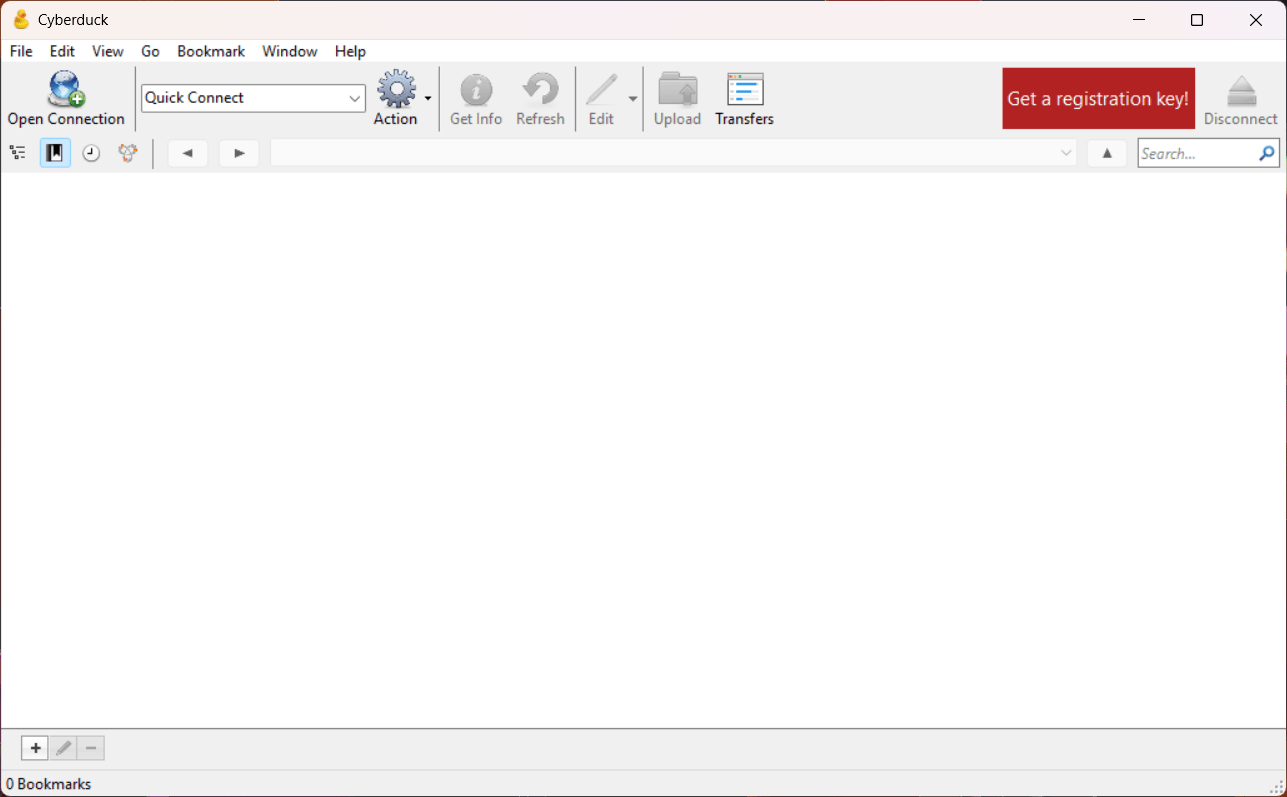
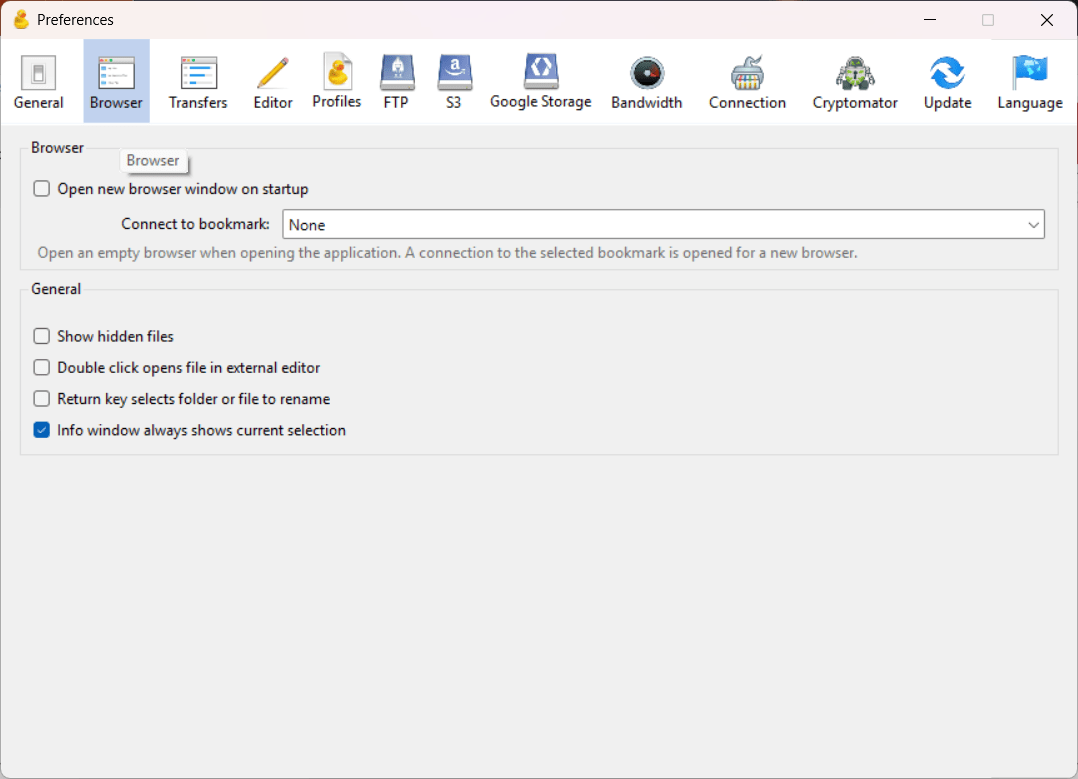
Cyberduck brings you an open-source server and cloud storage browser for Windows that allows you to utilize traditional FTP as well as modern object storage systems. While there are different tools in the space that rely on standard FTP and SFTP setups, this one treats cloud repositories such as Amazon S3, Microsoft Azure, Google Drive, and more with the same familiarity as a local directory.
It eliminates the need to navigate clunky web management consoles just to upload, inspect, or manage remote assets. For professionals who juggle multiple cloud accounts alongside conventional hosting servers, Cyberduck serves as a single desktop bridge across fragmented infrastructure.
Universal protocol and cloud support
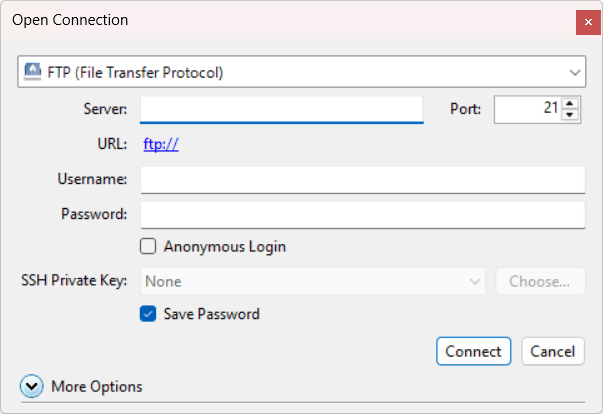
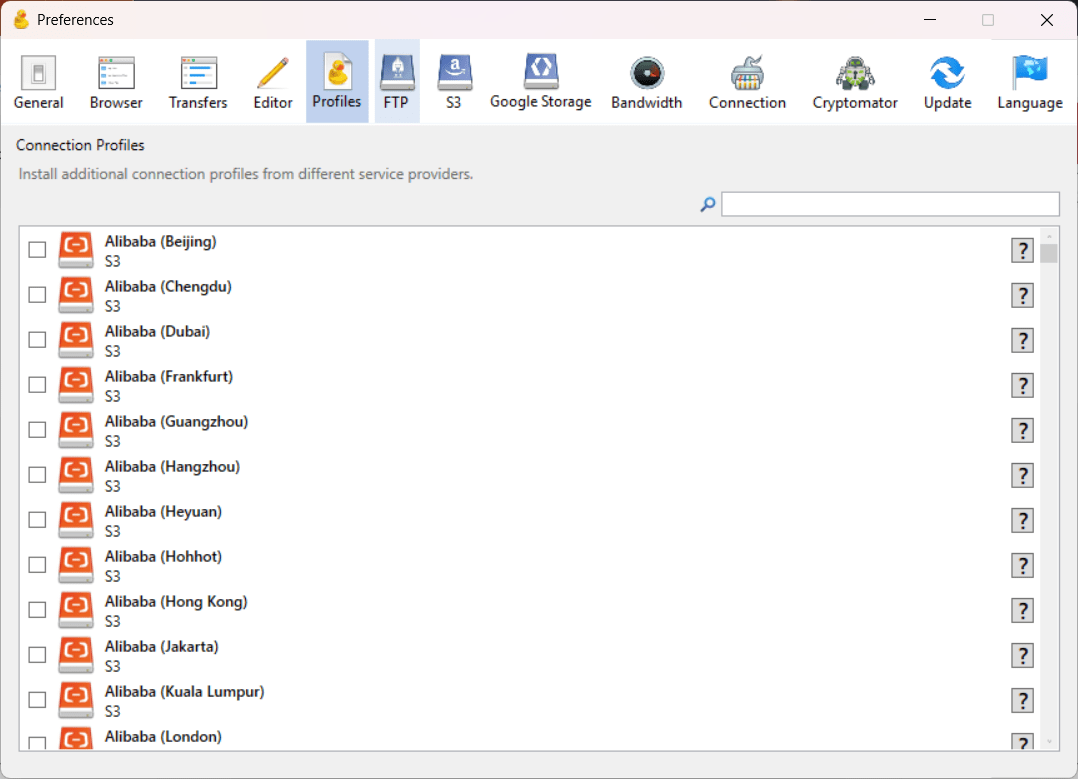
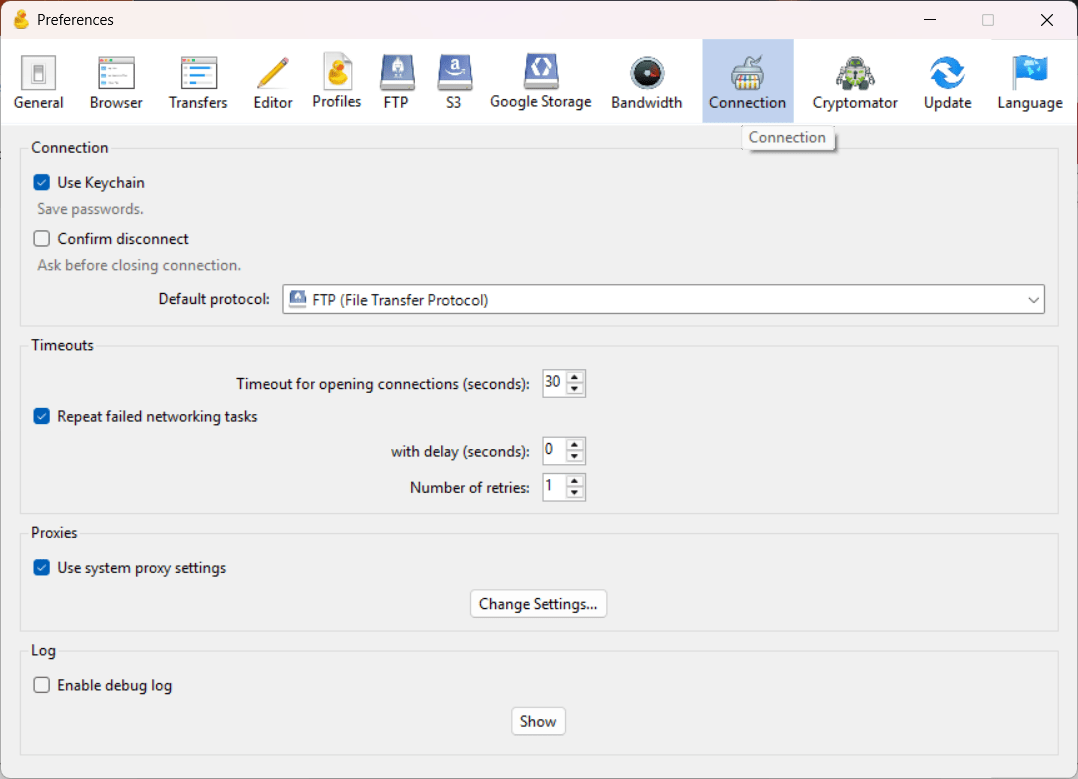
Where this app excels is the connectivity, which supports both legacy and modern transfer protocols, including standard FTP, secure SFTP, and WebDAV. Beyond server protocols, it features pre-configured connection profiles for major object storage and consumer cloud providers, including Amazon S3, Google Drive, Microsoft OneDrive, Dropbox, and more, so you don’t have to configure profiles individually.Direct external editor integration
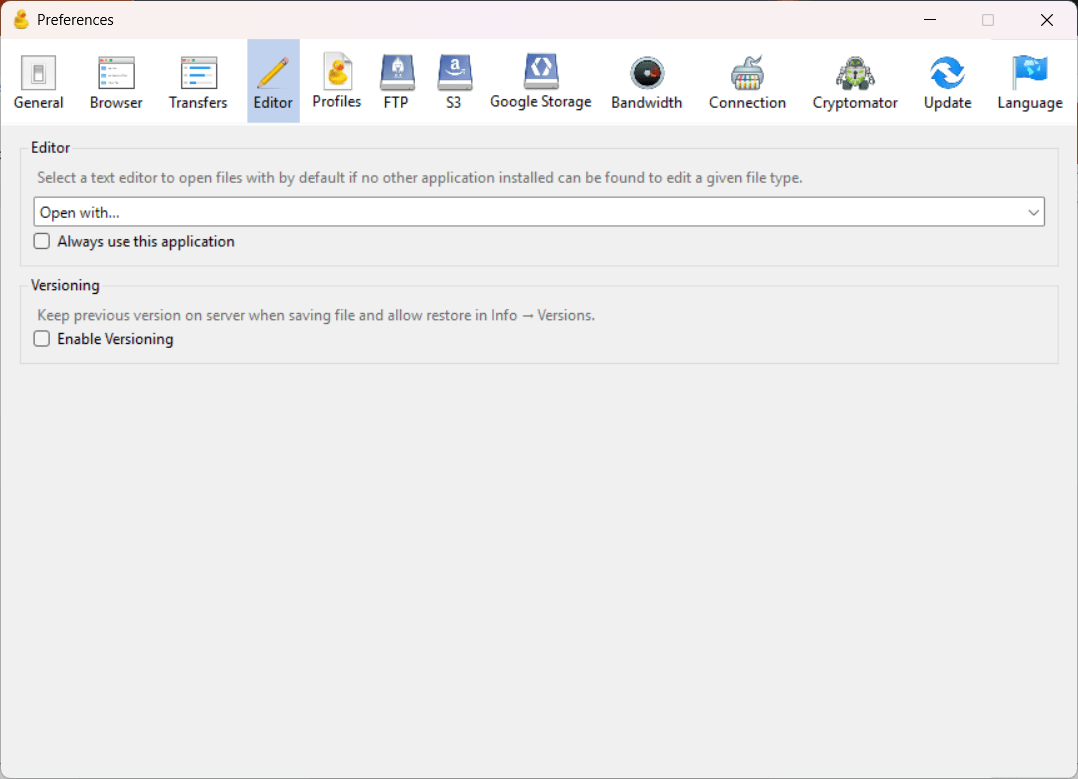
Many transfer clients force you to download scripts, modify them locally, and then reupload them manually. Cyberduck cuts down this effort and allows you to right-click any remote file within the cloud and open it directly in your favorite Windows editor, such as VS Code, Notepad++, or any other. Whenever you save, it automatically uploads the changes to the remote server.
Do note that if multiple people are working on the same file, syncing conflicts can occur.Bandwidth limiting and transfer resumption
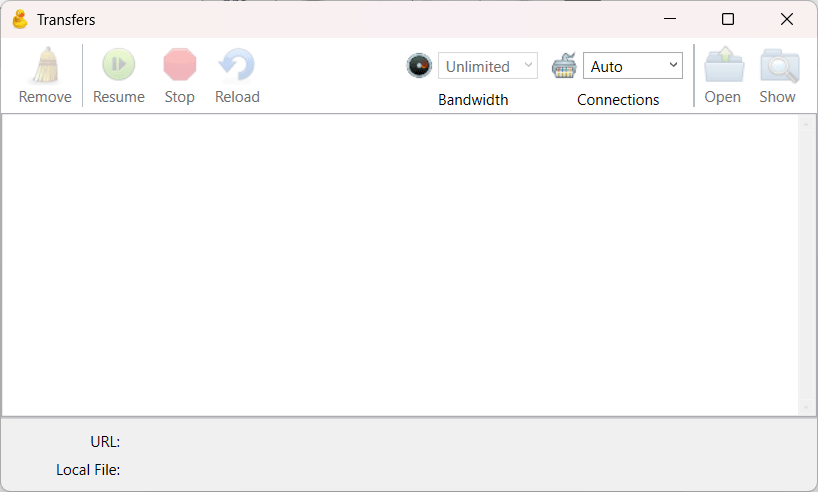
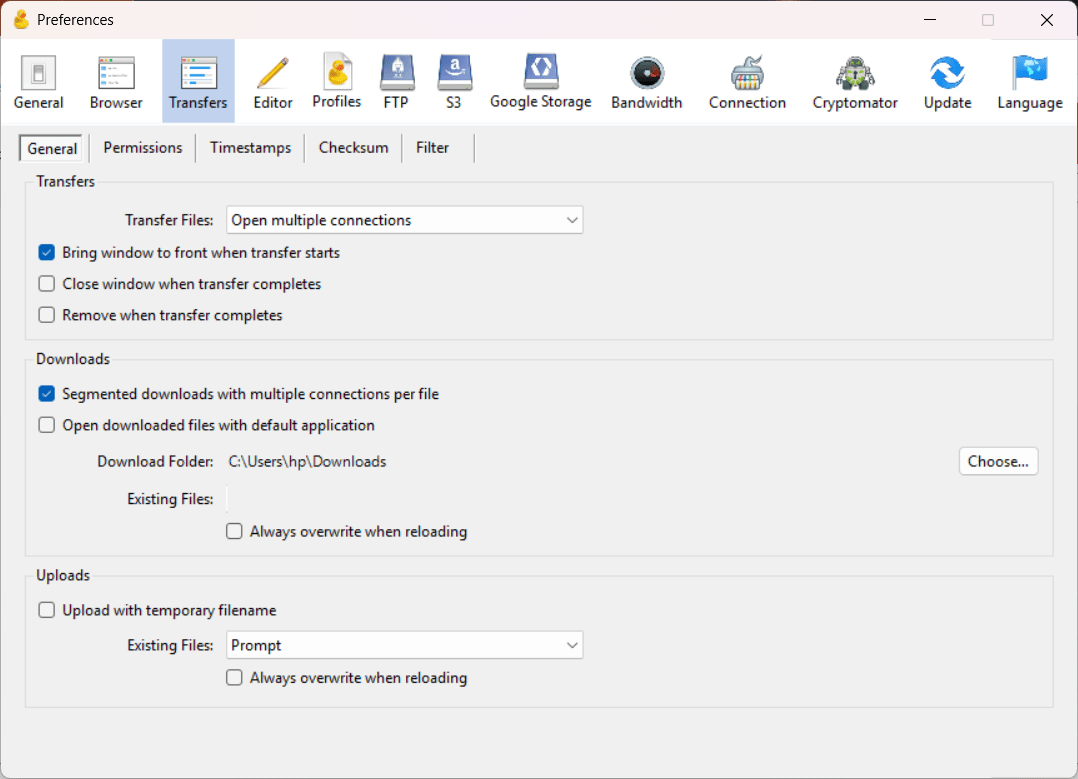
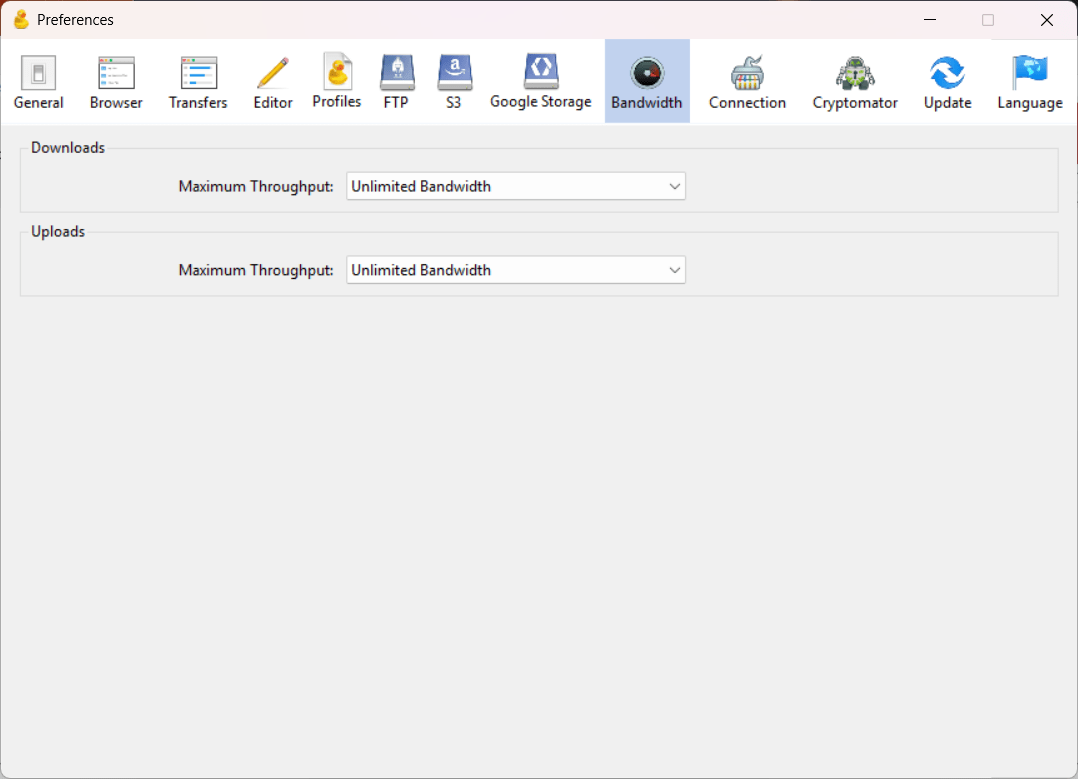
One of the utilities for the transfer manager is the ability to not only handle batch downloads and uploads, but also provide bandwidth limiting and process pausing features. If a connection drops midway through a multi-gigabyte transfer, Cyberduck automatically resumes from the point of interruption rather than restarting from scratch. You can also throttle concurrent connections and upload/download bandwidth to avoid saturating your network.Free and open-source licensing
Cyberduck is published under the GPL open-source license and can be downloaded completely free from its official website. The standalone installer includes an occasional prompt upon exiting that invites users to donate or purchase a registration key to support development. Alternatively, users who prefer automatic updates and zero donation prompts can purchase the app directly from the Microsoft Store for a one-time fee.A solid bridge for servers and cloud storage
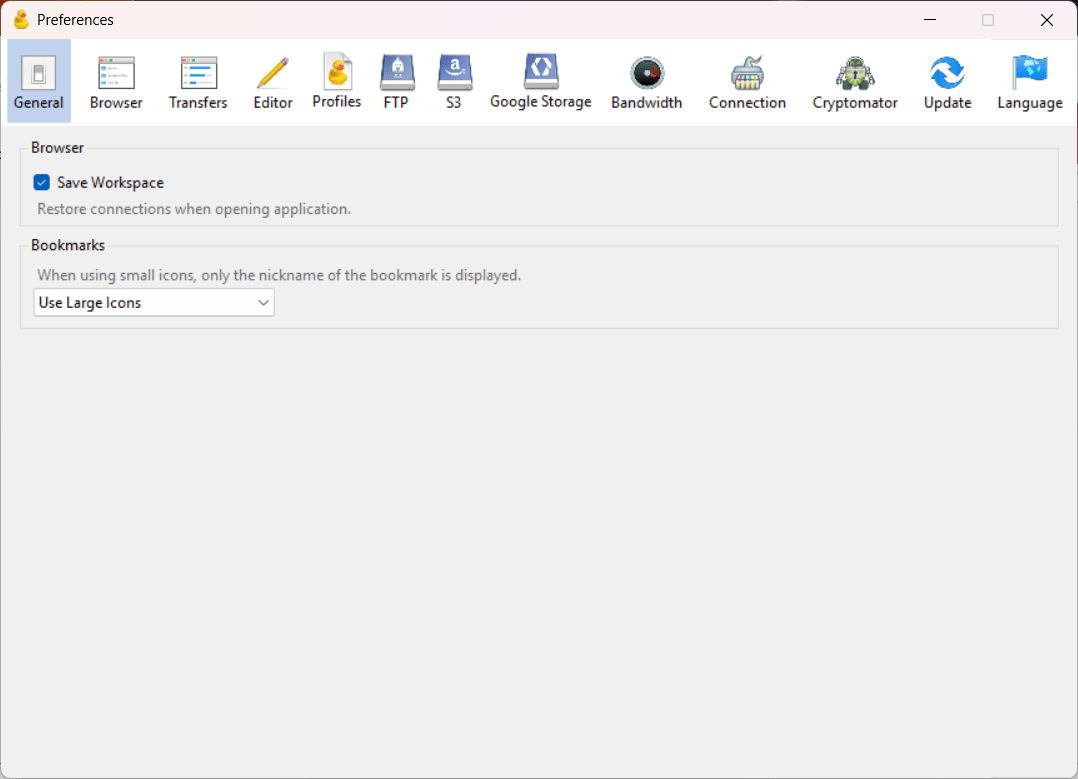
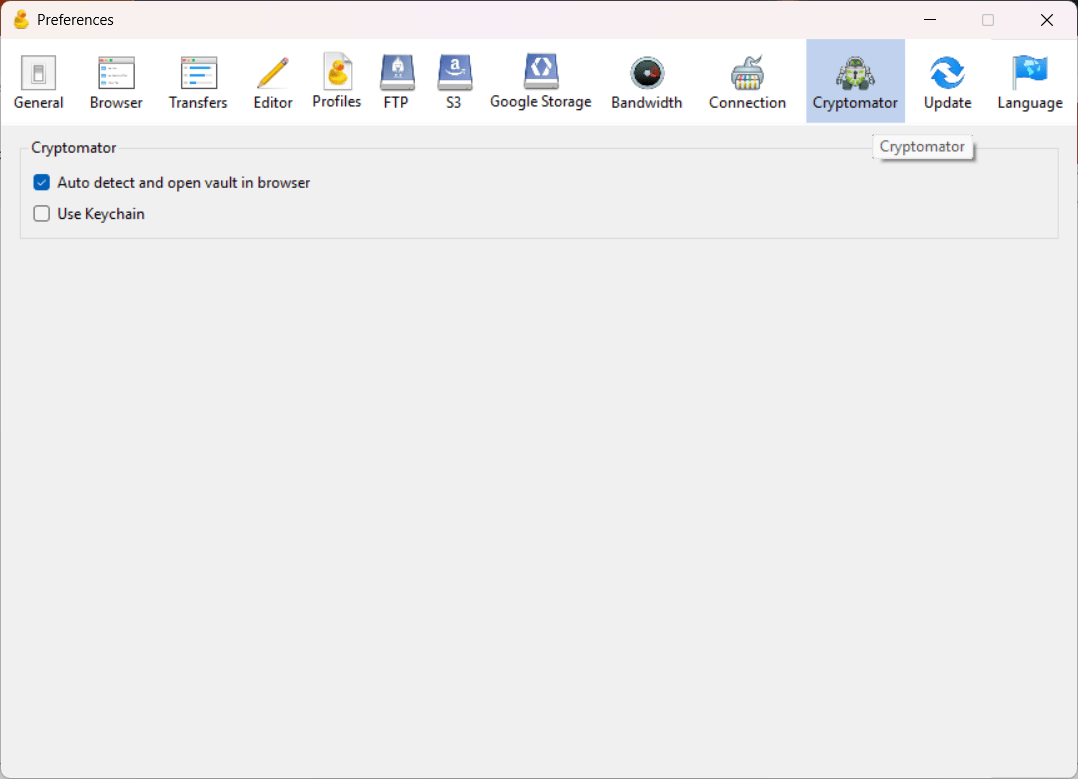
Cyberduck is an outstanding desktop tool for Windows users managing a mix of traditional hosting servers and modern cloud storage buckets. Its clean, single-pane layout simplifies complex cloud operations, and built-in Cryptomator encryption makes it far more secure than bare-bones transfer clients. However, users accustomed to dual-pane layouts (side-by-side local and remote panes found in WinSCP or FileZilla) may find Cyberduck's single-window design less efficient for frequent two-way directory browsing.