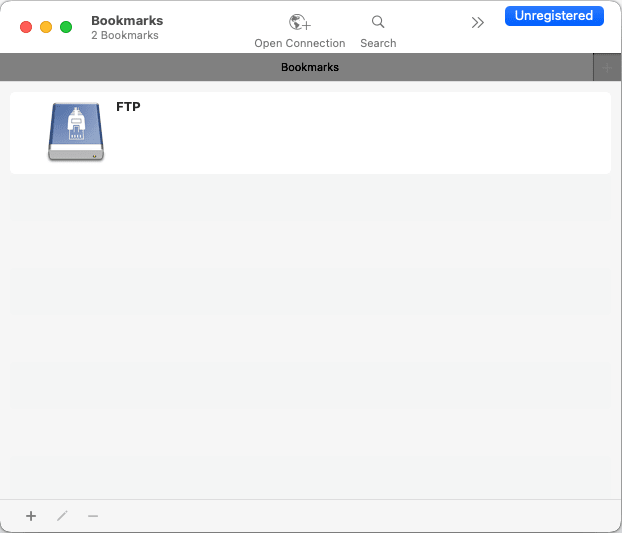
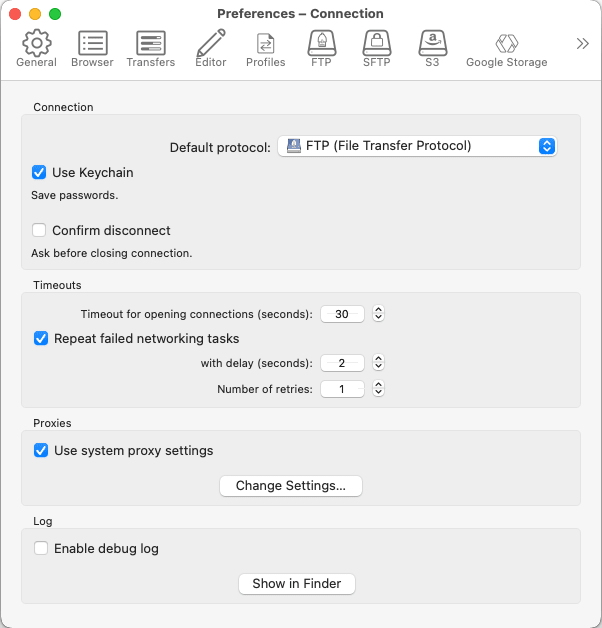
Cyberduck is an open-source server and cloud storage browser for macOS that bridges the gap between traditional file transfer protocols and modern object storage systems. It provides a unified workspace for system administrators, web developers, and cloud architects. It allows users to quickly configure remote bookmarks, edit files directly on servers using their preferred local code editor, and safely transfer gigabytes of assets with integrated client-side encryption.
While enthusiasts may have a decent time learning and using it, this is truly for professionals who juggle multiple cloud accounts alongside conventional hosting servers. It serves as a single desktop bridge across fragmented infrastructure.
Universal protocol and cloud support
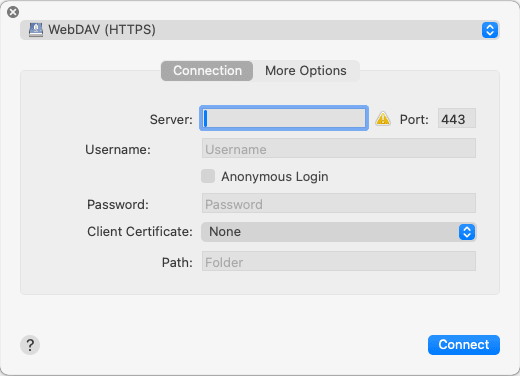
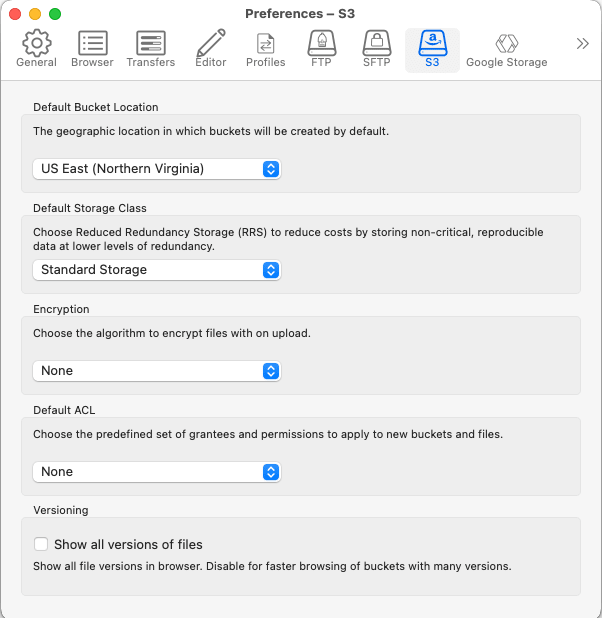
Where Cyberduck shines is connectivity. It supports legacy and modern transfer protocols including standard FTP, secure SFTP, and WebDAV. Beyond those, it also supports pre-configured connection profiles for cloud storage providers like Amazon S3, Google Drive, Dropbox, OpenStack Swift, Microsoft OneDrive, and more. For people who work with cloud setups, this is integral to their workflows.Client-side Cryptomator vaults
For sensitive cloud uploads, Cyberduck integrates transparent, client-side encryption powered by Cryptomator. You can create encrypted vaults directly inside any remote bucket or directory without requiring third-party tools. File names and contents are encrypted on your local Mac before transmission, ensuring zero-knowledge privacy even when storing documents on public cloud providers.Direct remote file editing
While with other applications you have to download a cloud file, make the changes, and then reupload the changed file manually, Cyberduck eliminates the entire cycle immediately and allows you to link the application to your preferred Mac text or code editors. With editors like BBEdit, CotEditor, or TextMate, you can open up live server files directly, make the changes, and hit ‘Save’. It will automatically sync the updated file back to the cloud storage or FTP server.Intelligent transfer queue and throttling
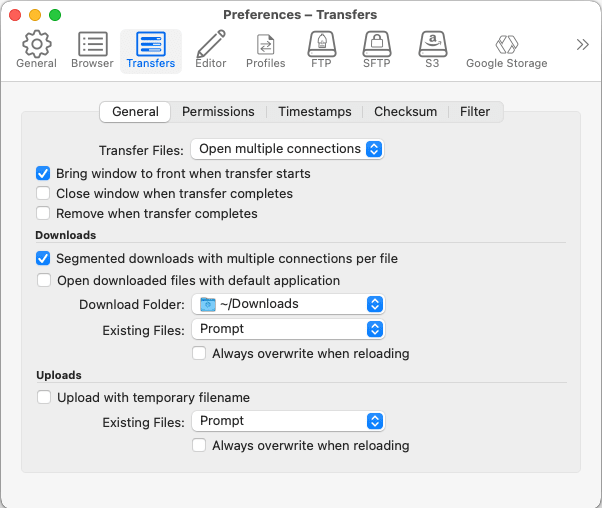
When you need to manage large files and migrations, you need a neat workflow that allows you to manage and see everything effectively. Cyberduck has a dedicated Transfers window that shows the moving and syncing of files and directories. It also safeguards your progress in case your Mac goes to sleep or loses the connection. Paused/interrupted transfers can pick up exactly where they left off.
You can also manage your bandwidth by throttling upload and download speeds to prevent the application from choking your local network.Free and open-source
Cyberduck is published as open-source software and is completely free.A versatile desktop bridge across fragmented infrastructure
Cyberduck is an outstanding desktop tool for Mac users managing a mix of traditional hosting servers and modern cloud storage buckets. Its clean, single-pane layout simplifies complex cloud operations, and built-in Cryptomator encryption makes it far more secure than bare-bones transfer clients. While it may lack the premium polish and speed of native macOS alternatives like Transmit, Cyberduck's broad protocol support, extensive feature set, and open-source availability make it an invaluable addition to any Mac user's toolkit.